


Most AI productivity apps sound impressive, but very few actually save time once you start using them.
After testing multiple tools in 2026, these 5 apps stood out because they genuinely reduce manual work instead of adding more complexity.
Whether you want better scheduling, faster writing, or cleaner task management, this list will help you pick the right tool quickly.
Microsoft Copilot for Microsoft 365
Microsoft Copilot is one of those tools that actually feels useful once you start using it inside your daily workflow—especially if you’re already working with Word, Excel, Outlook, or Teams.
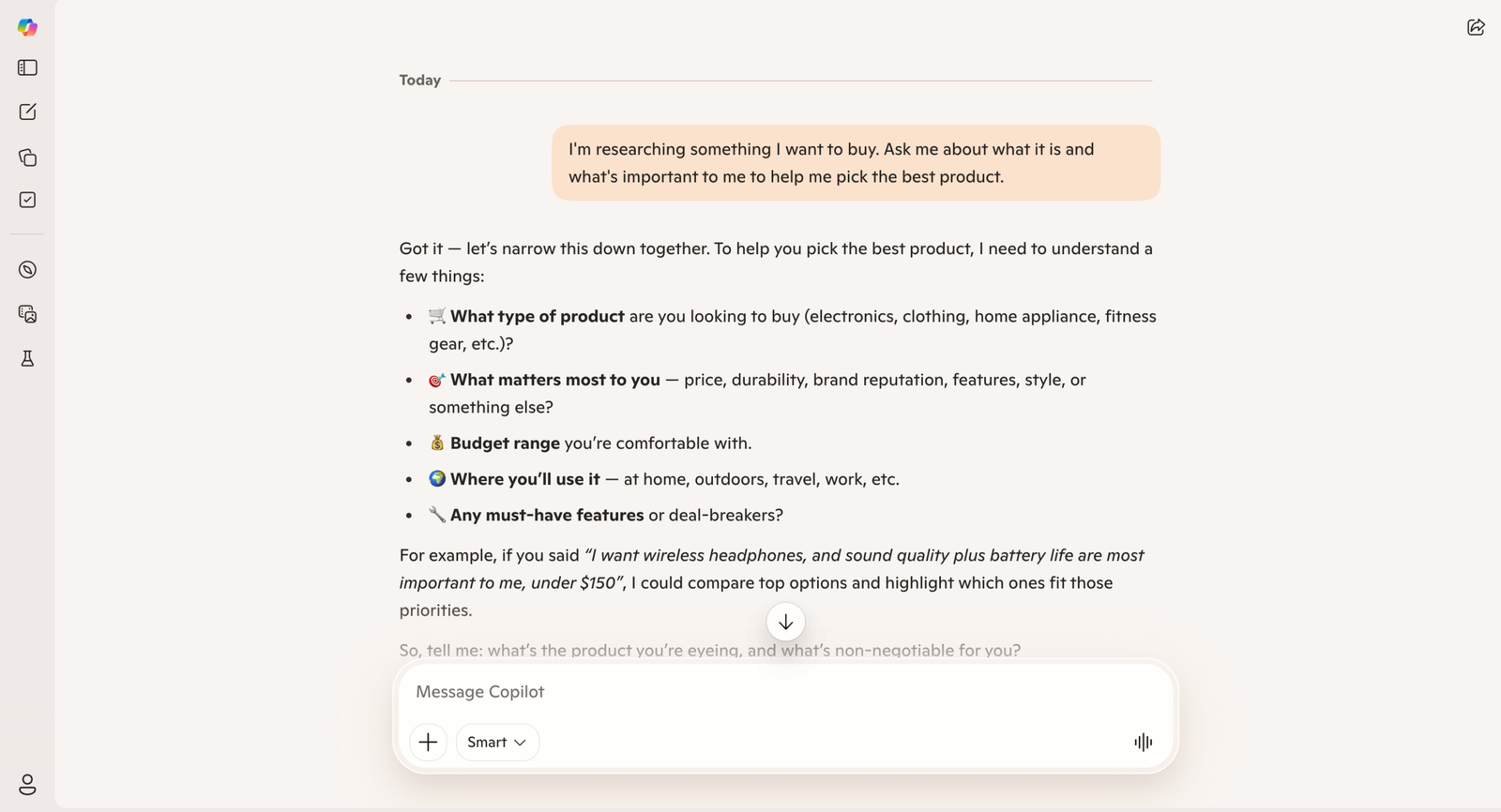
Instead of behaving like a separate AI app, it sits directly inside these tools and works alongside what you’re already doing. That makes a big difference in real usage. You don’t have to copy-paste content into another tool—Copilot just steps in and helps where needed.
Where it really stands out is in handling repetitive work. For example, turning messy meeting notes into a clean summary with action items takes just a few seconds. Drafting emails, creating reports, or even organizing data in Excel becomes noticeably faster once you start relying on it regularly.
In practical terms, this is the kind of tool that reduces small daily friction—writing, summarizing, formatting—rather than doing something completely new. Over time, that adds up to a lot of saved effort.
That said, it works best if you’re already deep into the Microsoft ecosystem. If most of your work happens in Google Docs or other tools, Copilot won’t feel nearly as impactful.
Pros
- Deep native integration with Office apps and Teams.
- Enterprise-grade security and compliance controls.
- Strong data-to-insight features in Excel and Power BI.
- Real-time meeting summaries and task extraction.
Cons
- Premium add-on pricing can be costly for large teams.
- Limited benefit if your organization does not use Microsoft 365 heavily.
Google Workspace with Gemini
Google Workspace with Gemini works best for people who live inside Gmail, Google Docs, and Calendar throughout the day.
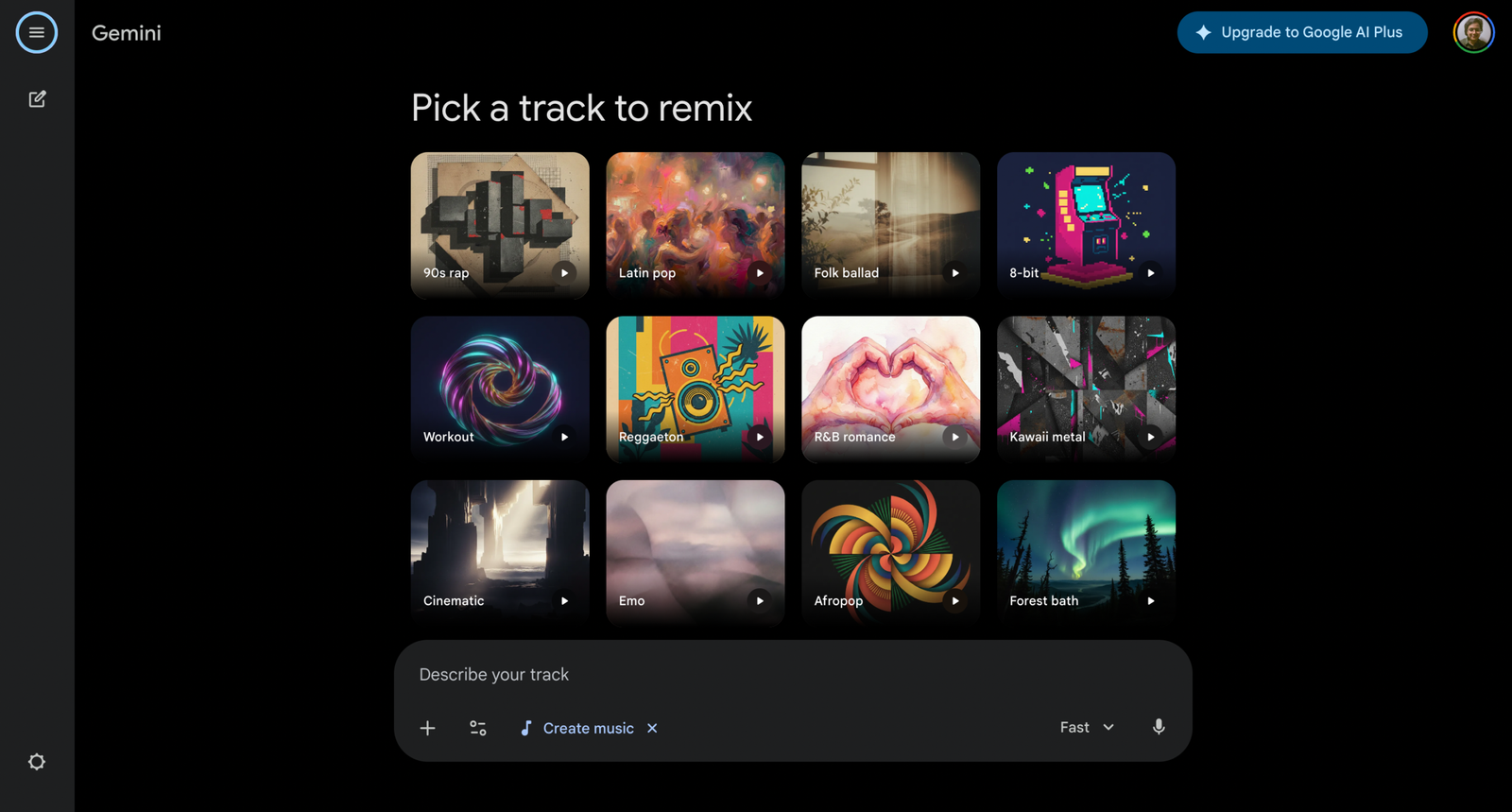
It is built into Google’s ecosystem and helps with tasks such as drafting emails, summarizing long threads, and suggesting replies based on context. It also integrates well with Google Docs, making it easy to turn rough notes into structured content.
Where it becomes especially useful is inbox management. Long email threads can be summarized instantly, and quick reply suggestions reduce the time spent typing repetitive responses. It also helps with scheduling by suggesting meeting times based on availability, which makes coordination smoother.
In day-to-day use, it feels like a natural extension of Google Workspace rather than an extra tool. But like Copilot, its value depends on your ecosystem—if you’re not heavily using Google tools, you won’t benefit as much.
Pros
- Seamless collaboration on docs and live editing.
- Strong natural-language search across Drive and Gmail.
- Good multilingual support and fast summarization in Meet.
Cons
- Advanced Gemini features are gated behind higher Workspace tiers.
- Some organizations raise questions about data residency and export controls.
Notion AI
Notion AI is less about automation and more about organizing your thinking and turning messy information into structured work.
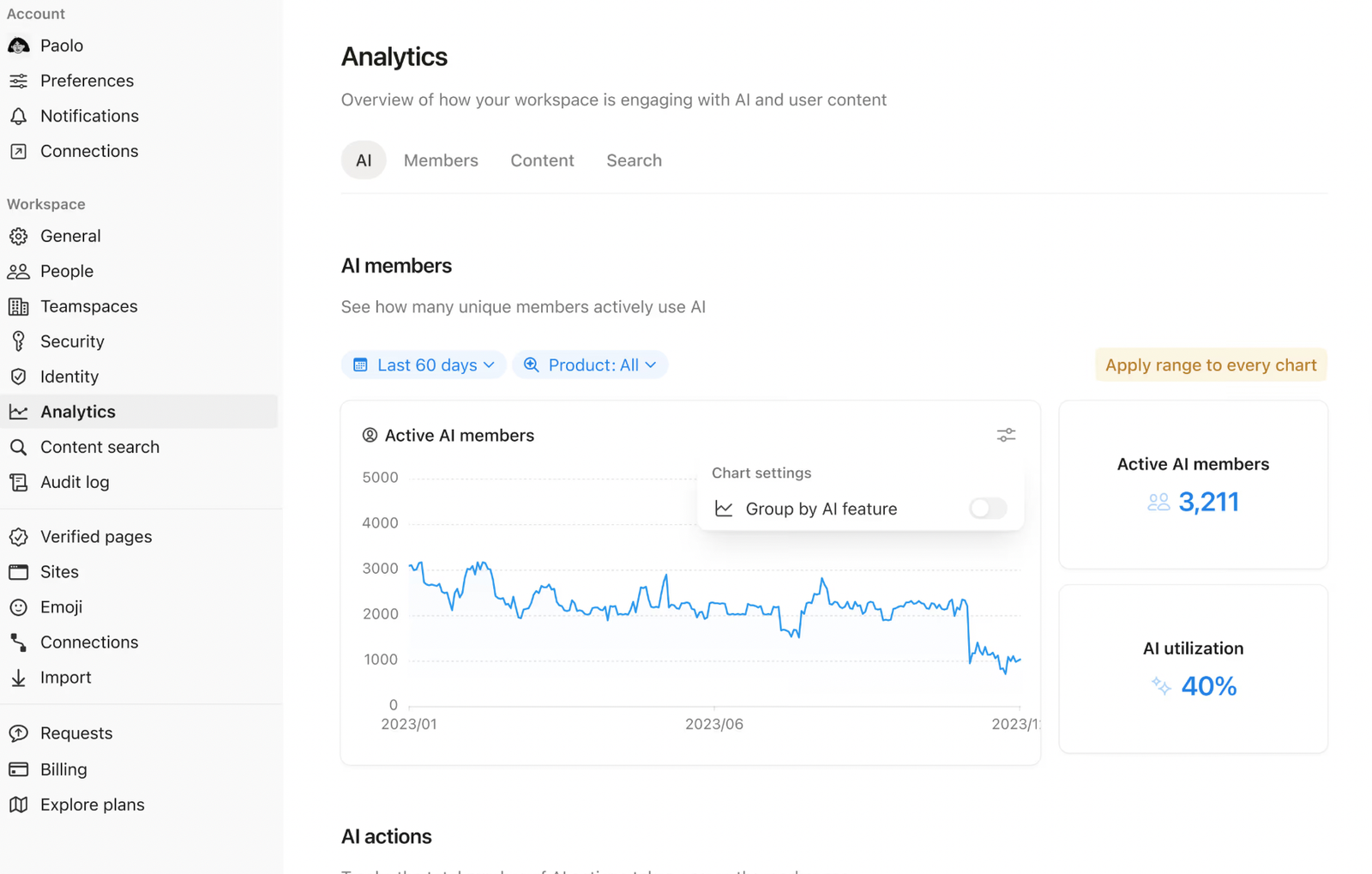
It works inside Notion pages, which means it can summarize notes, generate content, extract tasks, and even help build project structures. If you already use Notion for documentation or project management, this feels like a natural upgrade rather than a separate tool.
Where it stands out is in handling unstructured input. Meeting notes, ideas, or rough drafts can be quickly converted into organized pages with headings, tasks, and timelines. This makes it especially useful for teams or individuals who rely on documentation-heavy workflows.
However, it does take some setup to get the most out of it. The more structured your Notion workspace is, the more useful the AI becomes. Without that, it can feel a bit generic.
Pros
- Very easy to start and low setup friction.
- Flexible templates that adapt to personal workflows.
- Affordable tiers and a generous free plan for individuals.
Cons
- AI responses can be generic for complex data-analysis needs.
- Less suited for heavy enterprise compliance and auditing.
ClickUp AI
ClickUp AI is designed for teams that manage a lot of tasks, projects, and workflows in one place.
It integrates directly into ClickUp’s task management system and helps with writing task descriptions, summarizing updates, generating documentation, and even creating project plans. Instead of just managing tasks, it adds a layer of intelligence on top of them.
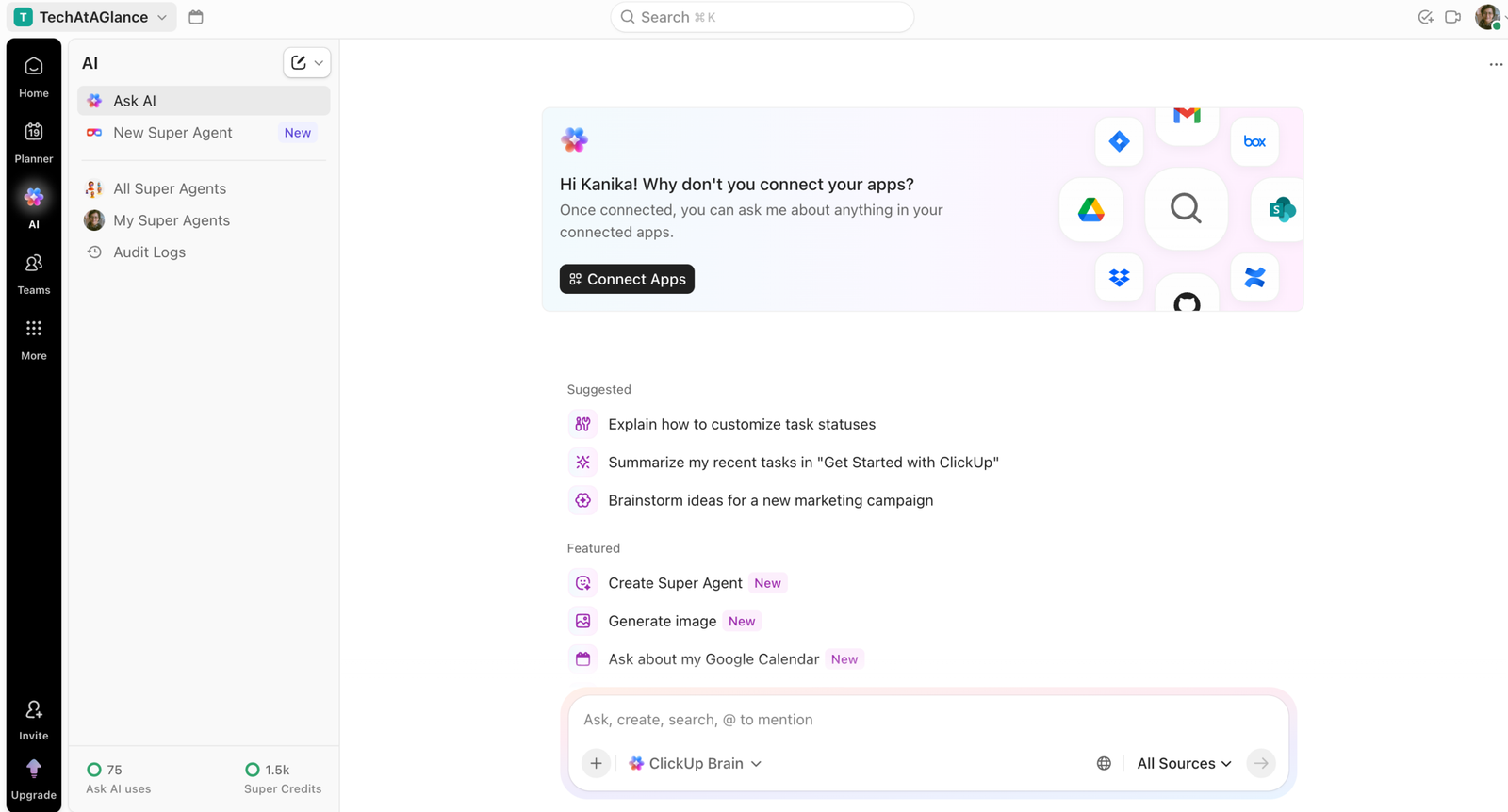
Where it becomes valuable is in team environments. It can turn scattered updates into clear summaries, help standardize communication, and reduce the time spent writing repetitive task descriptions or reports.
However, its usefulness depends heavily on how much you already rely on ClickUp. If your workflow isn’t centered around it, the AI features won’t feel as impactful.
Pros
- Powerful task automation and customizable workflows.
- Built-in time tracking and goal alignment features.
- Wide integrations with dev, comms, and calendar tools.
Cons
- The interface and feature set can feel overwhelming at first.
- Some advanced automations require higher-priced plans.
Motion
Motion AI is less about content or communication and more about fixing how your time is structured.
It automatically schedules tasks into your calendar, adjusts priorities, and reshuffles your day based on deadlines and availability. Instead of manually planning your day, Motion does it for you in the background.
Where it stands out is in time management. It doesn’t just track tasks—it actively decides when you should work on them. This is especially useful for people who struggle with planning or tend to overcommit.
In real usage, Motion can free up large blocks of focused time by reorganizing your schedule. But it can also feel a bit aggressive if you prefer full control over your calendar.
Pros
- Excellent automatic daily scheduling that reduces manual planning.
- Tight calendar integrations with Google and Microsoft calendars.
- Quick win for users who need time-blocked focus windows.
Cons
- Requires upfront rules and priority tuning for best results.
- Relies on stable calendar syncing and internet access.
Comparison Table
| Tool | Best For | Key Feature | Pricing |
|---|---|---|---|
| Microsoft Copilot for Microsoft 365 | Large enterprises are already on Microsoft 365 | Deepset integration across Office apps and meeting summarization | Enterprise add-on; per-user licensing (contact Microsoft for quotes) |
| Google Workspace with Gemini | Distributed teams using Google tools | Fast doc collaboration and cross-drive search | Included in Workspace tiers; Gemini advanced in higher or add-on plans |
| Notion AI | Individuals and small teams | Flexible notes + AI templates in one workspace | Free tier; paid plans from low monthly per-user fees with AI credits |
| ClickUp AI | Project-driven teams and agencies | AI task automation and customizable workflows | Tiered plans; advanced AI/automation available on Business/Enterprise levels |
| Motion | People who need auto-scheduled calendars | Automatic task-to-calendar scheduling | Subscription per user with monthly and annual options |
Quick Recommendations
- Best overall: Microsoft Copilot for Microsoft 365 — Best for end-to-end workplace automation and enterprise security.
- Best for beginners: Notion AI — Low setup friction and easy templates for personal productivity.
- Best for teams: ClickUp AI — Robust project workflows and team automations.
- Best for automation: Motion — Automatically turns task lists into an optimized daily calendar.
- Best budget option: Google Workspace with Gemini (standard tiers) — Affordable entry and broad collaboration features.
Who Should Use Which Tool
Choosing the right tool depends less on features and more on how you already work.
- If you’re deeply integrated into Microsoft tools like Outlook, Teams, and Excel, Microsoft Copilot is the most natural fit. It works best when your daily workflow already lives inside the Microsoft ecosystem.
- For those who rely on Gmail, Google Docs, and Google Calendar, Google Workspace with Gemini is the better choice. It simplifies communication, email management, and scheduling without requiring any major setup.
- If your work revolves around notes, documentation, or managing projects in one place, Notion AI stands out. It’s especially useful for turning unstructured ideas into organized workflows.
- Teams handling multiple projects and tasks will benefit most from ClickUp AI. It adds structure to task management and helps streamline communication across teams.
- If your biggest challenge is managing time and staying focused, Motion is the strongest option. It automatically organizes your schedule and removes the need to constantly plan your day manually.
Final Verdict
For most organizations in 2026, Microsoft Copilot is considered to be amongst the best AI Productivity Apps among all. It gives the broadest, most secure productivity gains if your stack is Microsoft-first.
For teams focused on projects and automation, ClickUp AI delivers the best balance of workflow control and scale. Individuals and small teams get the fastest ROI from Notion AI or Motion: Notion centralizes knowledge cheaply, and Motion eliminates calendar chaos. Google Workspace remains the pragmatic budget choice for collaboration-heavy groups.
Choose based on where your data already lives and how much automation you want to adopt.
