


For writers and analysts, the best choice depends on the job in front of you. Some tools are built for live web research. Others are stronger at reading papers, pulling themes together, or turning rough notes into something usable. This roundup breaks down the five tools that matter most in 2026 and shows where each one actually earns its keep.
Perplexity Pro
Use Perplexity Pro when you need fresh answers fast, and you want the source trail right in front of you. It behaves more like a research-first search engine than a generic chatbot, which makes it the safest starting point for current topics.
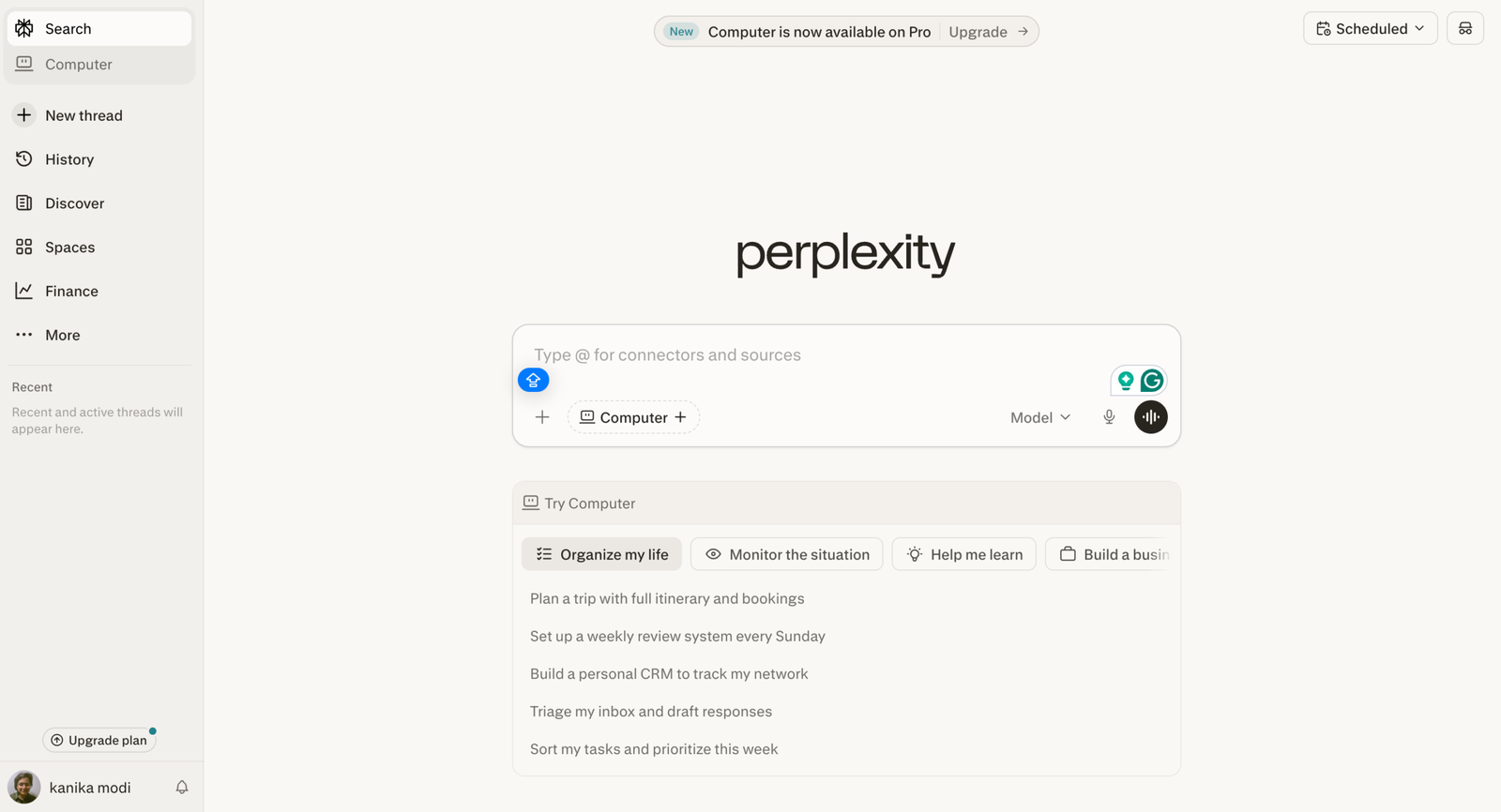
In real use, that means you can check pricing, compare features, and pull recent context without digging through ten tabs. For article research, it is excellent at building a quick evidence stack before the writing starts.
What makes it stand out is the citation-heavy workflow. Perplexity Pro says it gives you 10x as many citations per answer, plus extended access to research mode and file uploads. That keeps it useful when the topic changes quickly, and the facts matter.
The tradeoff is that it is strongest at gathering and summarizing, not at deep editorial reasoning. It can surface the right material quickly, but you still need to decide what matters and how to frame it.
Pros
- Fast web research with citations built in
- Strong for current pricing, features, and market checks
- Good for writers who need sources before drafting
- Handles uploads and research mode without feeling heavy
Cons
- Not a substitute for editorial judgment
- Can feel more search-led than synthesis-led
- Best value depends on how often you research live topics
Elicit Pro
Use Elicit Pro when the research is evidence-heavy, and the source quality matters more than speed alone. It is built for papers, systematic reviews, and structured extraction, which makes it the cleanest fit for analysts who need something more rigorous than a general search assistant.
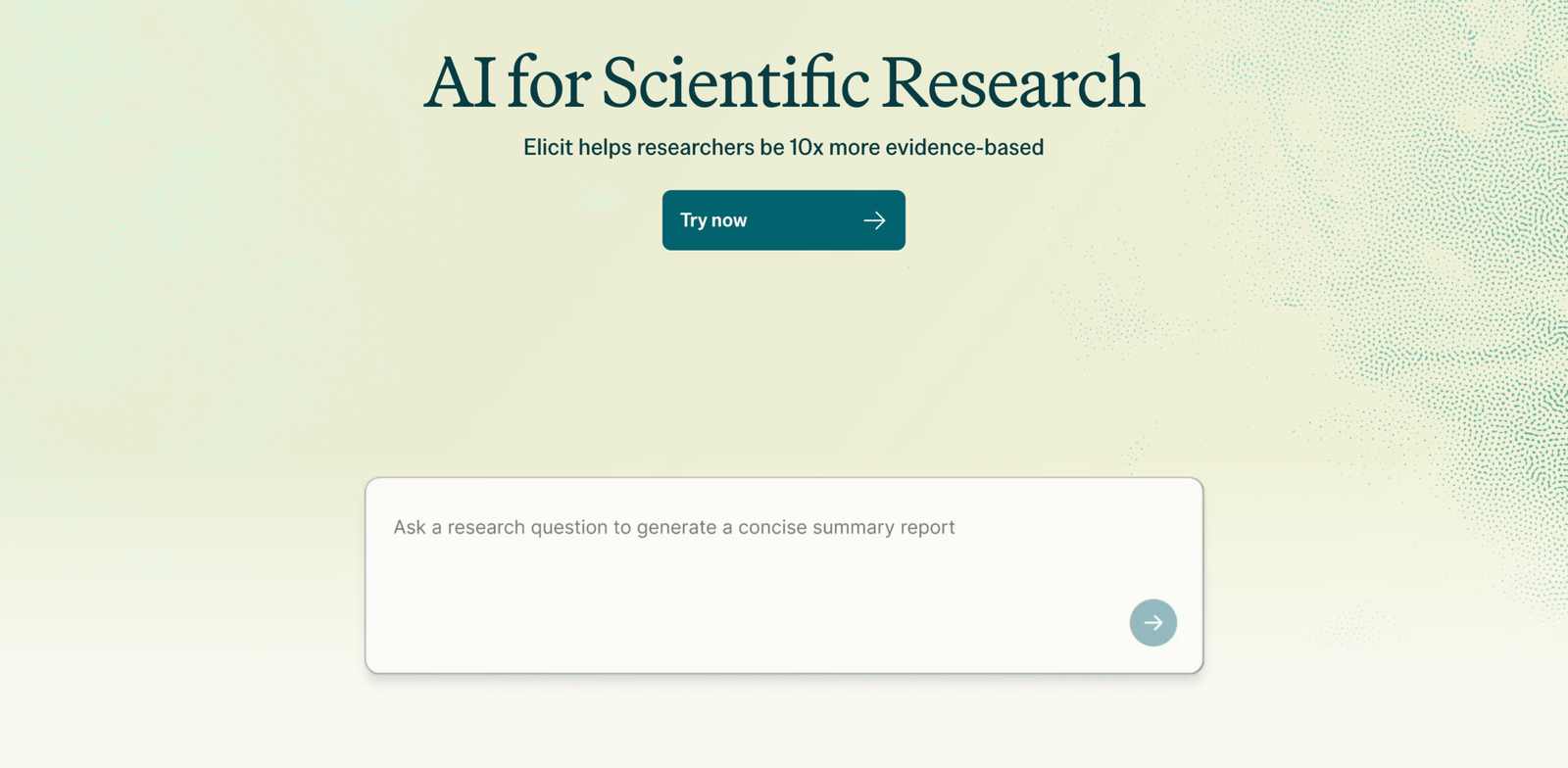
In practice, Elicit is the tool you use when you need to find studies, compare findings, and extract data without turning the whole process into a spreadsheet mess. That makes it especially useful for white papers, expert roundups, and analytical articles that need a stronger factual backbone.
What sets it apart is how clearly it is aimed at research workflows. Elicit Pro costs $49 per user per month, billed annually, and supports systematic review workflows, 135 data sources, and AI answer explanations. The Scale tier goes further at $169 per user per month for collaboration.
Its weakness is simple: it is specialized. If the job is a quick news-style lookup or a broad consumer comparison, Elicit is usually more than you need.
Pros
- Best for academic and evidence-based research
- Excellent for systematic review style workflows
- Extracts structured data instead of just summarizing
- Useful when citations and traceability matter
Cons
- More specialized than most writers need
- Price jumps quickly for team use
- Not ideal for quick casual research tasks
Claude Pro
Use Claude Pro when you already have research material and need it turned into something coherent. It is the best option here for synthesis: taking notes, source snippets, and rough ideas, then turning them into a clean narrative that reads as if a human wrote it.
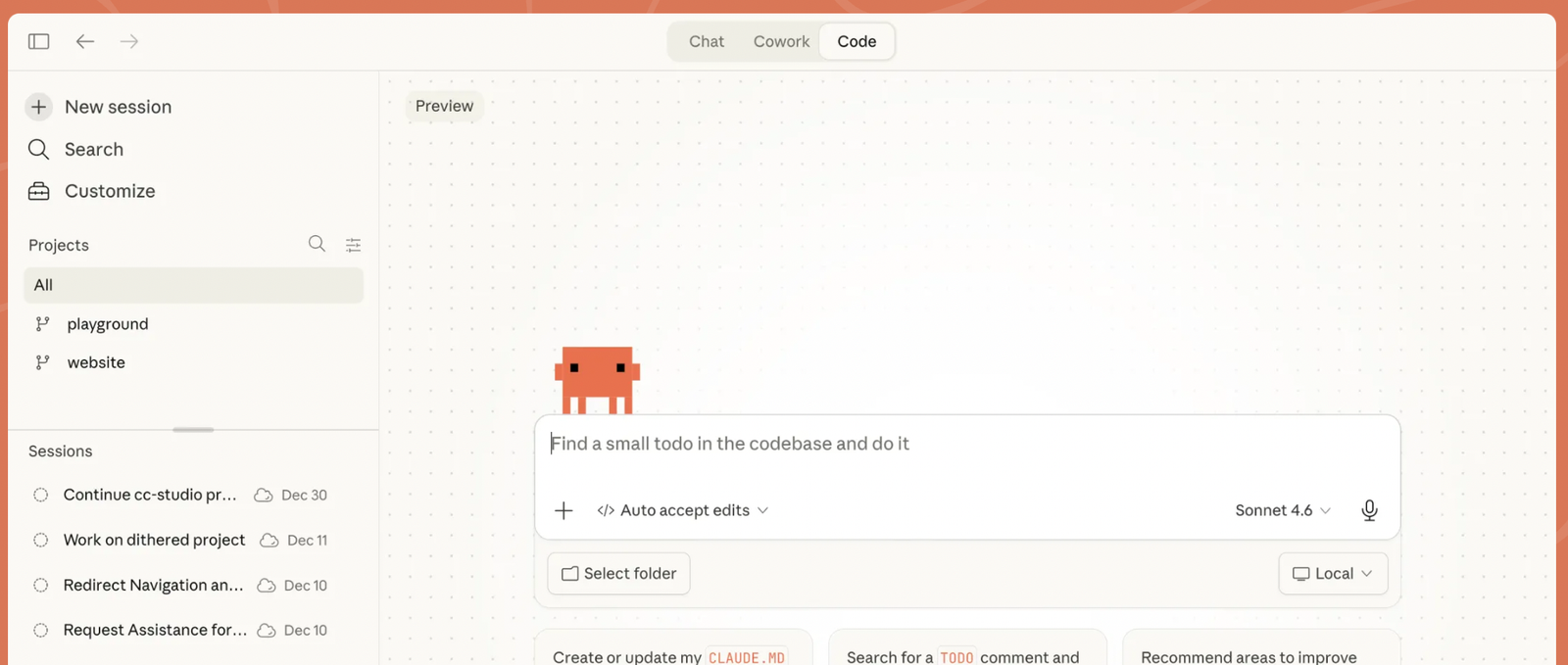
For writers, this is where Claude saves time. It handles long context well, so it is good at keeping the thread of an article, a memo, or a comparison review intact while still sounding natural. That matters when the source material is messy.
Claude Pro starts at $20 per month, or about $17 per month with annual billing. The plan includes more usage, access to research, Google Workspace connections, and Claude Code in the terminal. For deeper workflows, that combination is hard to beat.
The downside is that Claude is not the most source-led research engine in this group. It is a better synthesizer than a search tool, so it works best after the raw research has already been gathered.
Pros
- Best at turning notes into readable prose
- Handles longer context cleanly
- Useful for drafting, rewriting, and summarizing
- Strong option when you need judgment, not just retrieval
Cons
- Not a dedicated research database
- Needs source material to shine
- Less useful if you only want a quick live search
ChatGPT Plus
Use ChatGPT Plus when you want one flexible assistant that can research, draft, and refine without switching tools. It is the broadest option on this list, making it useful for writers who need a single workspace for ideation and follow-through.
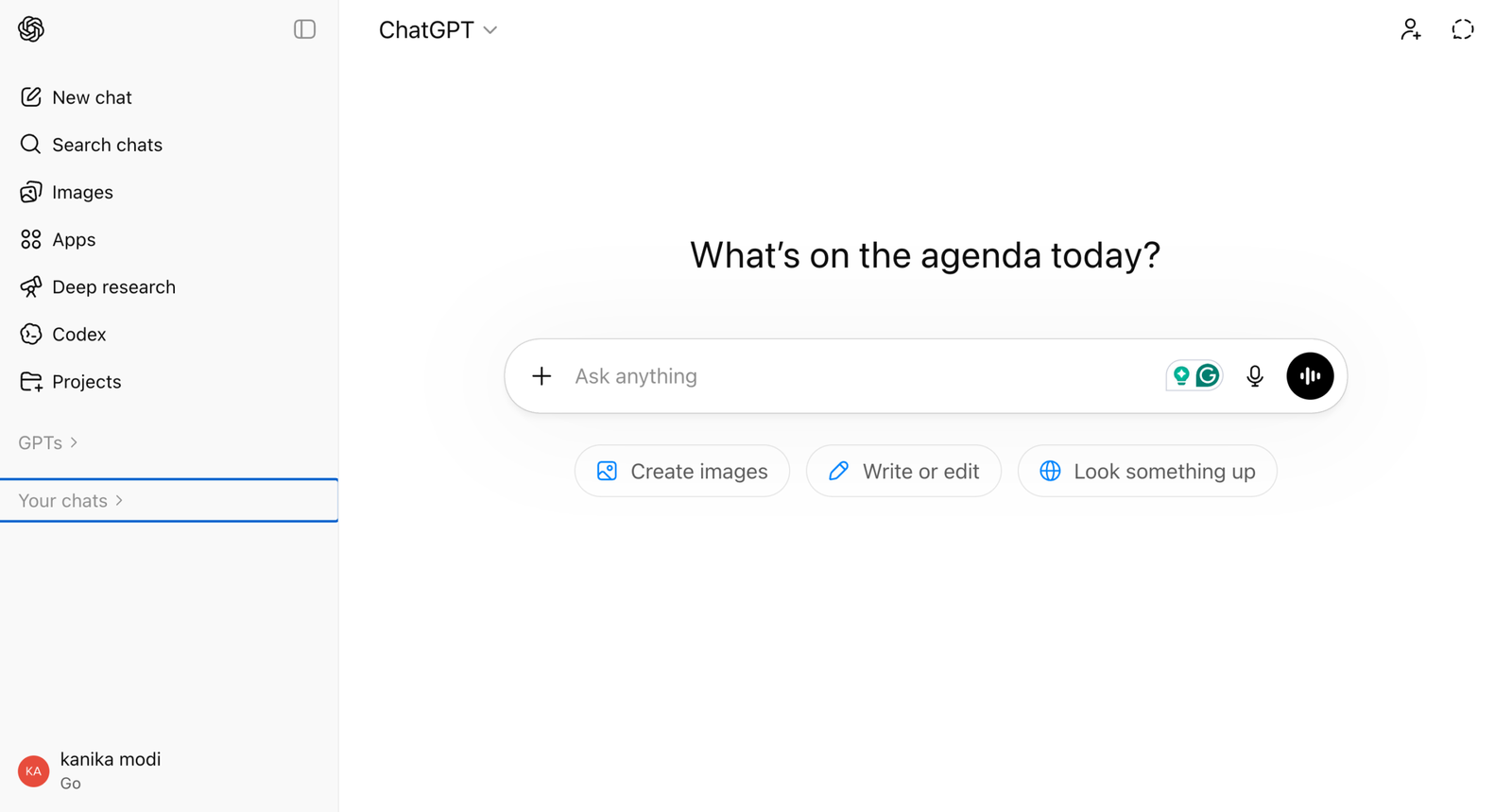
In real work, ChatGPT is handy for first-pass summaries, topic clustering, rough outlines, and turning a pile of notes into a working draft. It also supports search, file uploads, and deep research, so it is no longer just a blank-page writer.
The price is straightforward: $20 per month. That makes it easy to recommend for solo creators and smaller teams that need a generalist tool with enough depth to cover most writing tasks.
Its main weakness is also its strength. Because it does a lot of things well, it can feel less focused than Perplexity for live research or Elicit for paper-heavy work. If the prompt is weak, the output can drift.
Pros
- Flexible all-rounder for research and drafting
- Strong for summaries, outlines, and quick analysis
- Easy to slot into daily writing workflows
- Good value for users who want one tool for many tasks
Cons
- Can be too general for specialized research
- Output quality depends on the brief
- Less sharp than the best dedicated research tools
Google AI Pro / Gemini
Use Google AI Pro when your research lives inside Gmail, Docs, Drive, and Search. This is the most ecosystem-friendly choice on the list, and it is the one that fits best if the rest of your work already happens in Google tools.
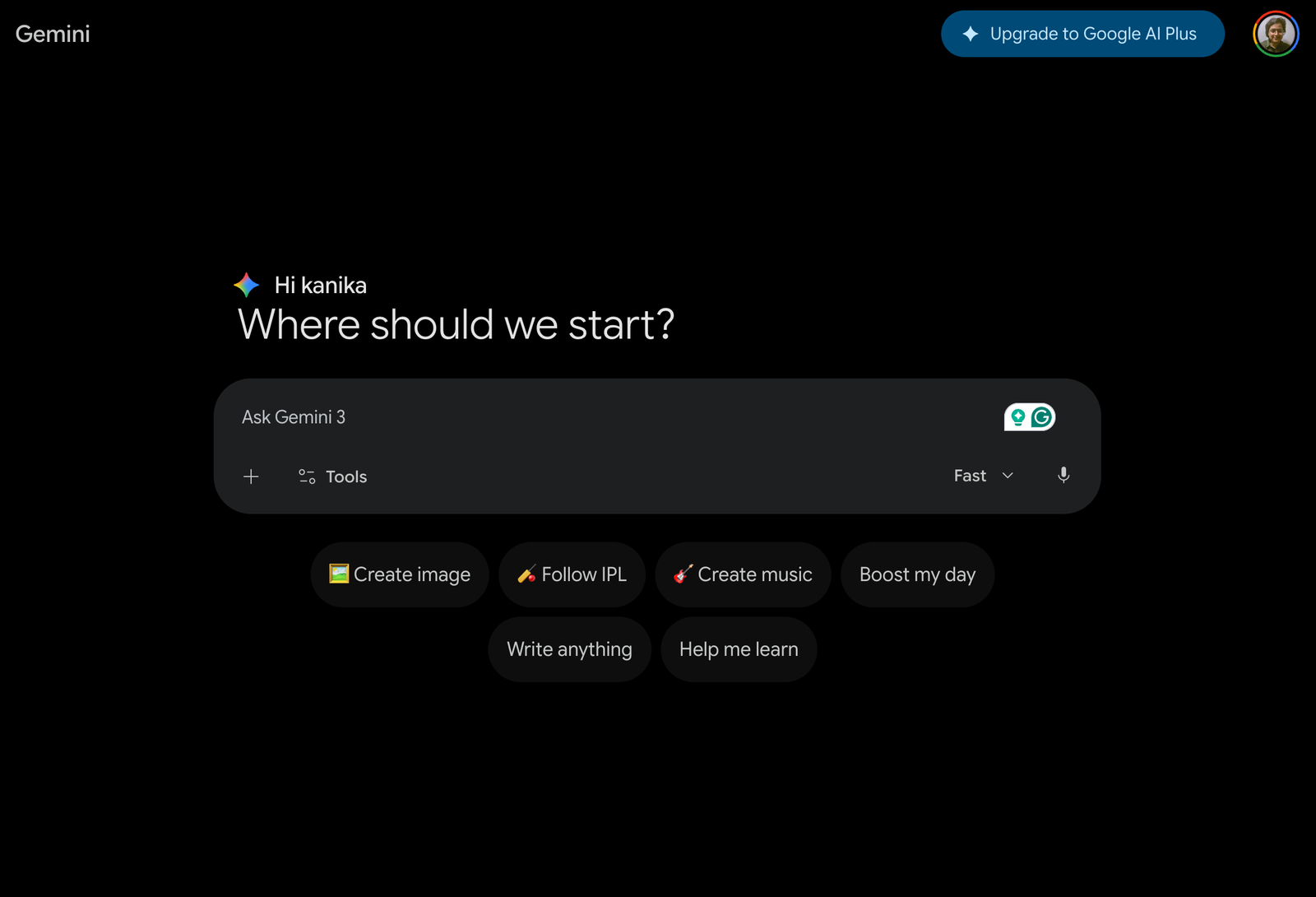
It is especially useful for writers and analysts who want research connected to documents rather than sitting in a separate app. Google says AI Pro includes Gemini in Gmail, Docs, Vids, Deep Search in AI Mode, NotebookLM with higher limits, and 1,000 monthly AI credits.
The price is $19.99 per month, and the plan also includes 2 TB of storage. That makes it attractive if you are already paying for Google One and want AI bundled into the stack you already use.
The weakness is simple: the value drops if you are not deep in Google’s ecosystem. If your research workflow lives elsewhere, the integration advantage gets smaller fast.
Pros
- Best fit for Google Workspace users
- Strong for note-to-doc workflows
- Useful if you want AI in Gmail and Docs
- Bundled storage adds practical value
Cons
- Less compelling outside Google apps
- Not the sharpest pure research specialist
- Can feel like a bundle first and a research tool second
Comparison at a Glance
| Tool | Best for | Key strength | Pricing |
|---|---|---|---|
| Perplexity Pro | Live research with citations | Fast web-backed answers | $20/month or $200/year |
| Elicit Pro | Academic and evidence-based research | Structured paper extraction | $49/month billed annually |
| Claude Pro | Synthesis and drafting | Long-context writing | $20/month or about $17/month annually |
| ChatGPT Plus | General-purpose research and drafting | Flexible all-round workflow | $20/month |
| Google AI Pro | Google Workspace users | Deep Google integration | $19.99/month |
Quick Recommendations
- Best overall: Perplexity Pro. It is the cleanest mix of speed, citations, and current web coverage.
- Best for beginners: ChatGPT Plus. It is familiar, flexible, and easy to use without learning a new research workflow.
- Best for teams: Elicit Pro or Google AI Pro, depending on whether the team cares more about research rigor or workspace integration.
- Best for a specific use case: Elicit Pro for academic-style work, Perplexity Pro for live market research, Claude Pro for synthesis.
Who Should Use Which Tool
- Writers who need fresh facts fast: start with Perplexity Pro.
- Analysts working with papers and citations: use Elicit Pro.
- Writers who already have source notes and need a sharper draft: choose Claude Pro.
- People who want one tool for research, drafting, and everyday work: ChatGPT Plus is the safest all-around pick.
- Teams living in Google Docs and Gmail: Google AI Pro is the most natural fit.
Frequently Asked Questions
1. Is Perplexity better than ChatGPT for research?
Yes, if the task is live web research and citations matter. ChatGPT is better as a general assistant, but Perplexity is more focused on fast-sourced answers.
2. Is Elicit only useful for academics?
No. It is best for academic and evidence-heavy work, but analysts, writers, and consultants also get value when they need paper-backed claims and structured extraction.
3. Which tool is best for writing after the research is done?
Claude Pro is the strongest option for turning research into readable, polished copy without losing the thread.
4. Which tool gives the best value for solo users?
ChatGPT Plus gives broad value for $20 per month, but Perplexity Pro is the better choice if research quality matters more than general flexibility.
Final Verdict
If the goal is to pick one AI research tool for writers and analysts, Perplexity Pro is the best starting point. It is the fastest at finding fresh information, the easiest at showing where the answer came from, and the most practical when a topic changes every week.
That said, the smartest workflow is not one-size-fits-all. Elicit wins when the work needs paper-level rigor. Claude wins when the research is already in hand, and the writing has to get better fast. ChatGPT is the most flexible all-rounder. Google AI Pro makes sense when the work already runs through Google tools.
For most people, the real answer is simple: start with Perplexity, keep Claude for synthesis, and move to Elicit when the brief gets serious.
